

Choose a platform
-
 Windows Version 5.71.2
3 MB
DownloadRecommended for your device
Overview
Introduction
Sandboxie is a unique security software that creates isolated environments, or "sandboxes", for running applications. This isolation prevents applications from making permanent changes to your system, providing an extra layer of protection against malware, unwanted changes, and potential security threats. Let's review the main features and answer common questions about Sandboxie.
Key features
- Application Isolation: Sandboxie isolates applications from the underlying system, ensuring that any changes made in the sandbox remain only in that environment.
- Web Browser Security: Users can run their web browsers in a "sandbox", providing a safe space to surf the web and preventing malicious websites from affecting the system.
- Program testing: Sandboxing is widely used to test potentially dangerous programs or files in a controlled environment, minimising the risk of damaging the real system.
- Enhanced privacy: By running applications in a sandbox, users can maintain a higher level of privacy because any changes made during a session are deleted after the sandbox is closed.
- Resource management: Sandboxed applications consume fewer resources because their impact on the entire system is limited to the sandbox.
User-friendly interface and experience
Sandboxie features a user-friendly interface that allows users to easily create and manage sandboxes. Easy integration into the Windows operating system makes it accessible to users with different levels of technical expertise.
Conclusion
Sandboxie, developed by Sophos, is a robust solution to enhance the security and privacy of your digital activities. With application isolation, web browser protection and resource management features, Sandboxie offers users a versatile tool to create a controlled environment for their applications. Whether you want to securely test programmes or add an extra layer of protection to your web browsing experience, Sandboxie offers a convenient and effective solution to protect your digital environment.
Features
Pros
- Isolation of Programs
- Testing and Experimentation
- Protection from Malware
- Secure Web Browsing
- Privacy Protection
Cons
- Resource Usage
- Paid Version for Full Features
Screenshots
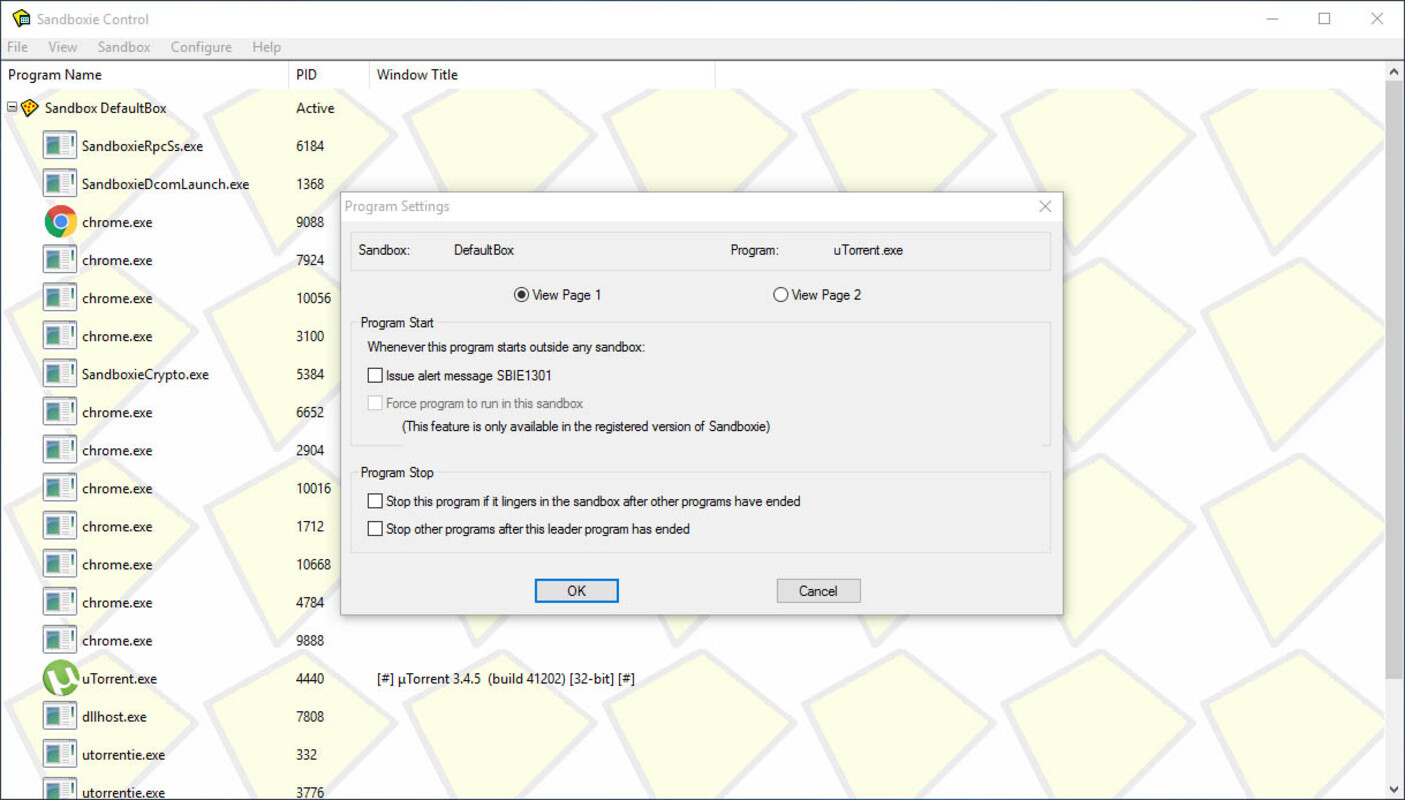
Ask a Question
Is Sandboxie free to use?
Sandboxie offers both free and paid versions. The free version provides basic sandboxing features, while the paid version, Sandboxie Plus, includes additional features
How does sandboxing improve safety?
Ensures that any changes made by applications are limited to the confines of the sandbox, preventing them from affecting the actual system. This is especially useful for protecting against malware and other security threats.
Does Sandboxie work with all applications?
Sandboxie is compatible with a wide range of applications, allowing users to create sandboxes for different programmes.
Similar programs
-
 Razer Synapse Razer Inc.
3 (4) Free 16 300
Windows
View Razer Synapse -
 Cyberlink PowerDVD CyberLink Corp.
5 (1) Free 13 304
Windows
View Cyberlink PowerDVD -
 IObit Uninstaller IObit
5 (1) Free 31 105
Windows
View IObit Uninstaller -
 Revo Uninstaller Revo Group
5 (1) Free 10 649
Windows
View Revo Uninstaller


